
If one security camera on your system keeps flickering, dropping packets or going offline for no obvious reason, the camera itself is probably fine. In most cases the fault is at the very end of the cable — a badly crimped RJ45 connector. Redoing that one plug properly fixes it far more often than replacing hardware does.
Why a bad crimp looks exactly like a broken camera
An IP camera gets both its power and its video data through a single Ethernet run. The eight copper wires inside that cable have to make clean, firm contact with the eight gold pins inside the RJ45 plug. If even one wire falls a millimetre short of its pin, the connection becomes intermittent rather than dead.
Intermittent is the worst outcome, because it mimics every other fault. The camera works in mild weather and drops in the cold. Playback has gaps. The app connects, then times out. You reboot the recorder and it behaves for a day. People replace cameras, swap switches and buy new recorders chasing a problem that lives in a plug the size of a fingernail.
Closed-end vs pass-through connectors
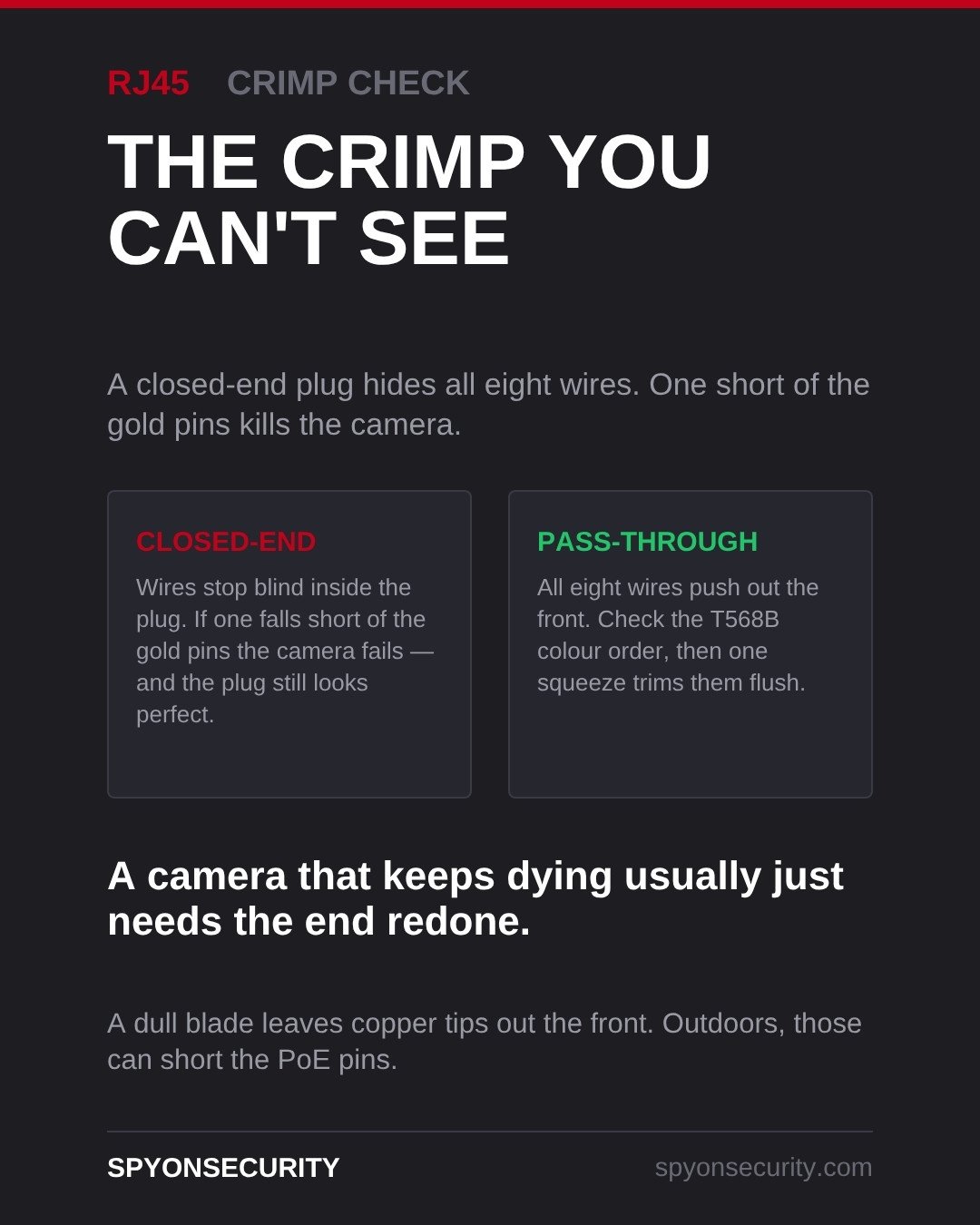
Standard closed-end RJ45 connectors are sealed at the front. You push the eight wires in, they stop somewhere inside the plug, and you crimp. The problem is that you cannot see where they stopped. A plug can look perfect from the outside while one wire sits short of its pin. There is no way to inspect it, so you only find out when the camera starts misbehaving weeks later.
Pass-through connectors solve that. The wires run all the way through and exit the front of the plug, so before you crimp anything you can read the T568B colour order left to right and confirm all eight wires are seated hard against the end. One full squeeze of the crimper then trims the excess copper flush with the face of the plug and seats the pins in the same motion.
For camera work, that visible check is worth the slightly higher cost per connector. You are not guessing.
The mistake that actually destroys cameras
Pass-through connectors have one failure mode of their own, and it is the expensive one. If the blade in your crimper is dull, or the crimper is not designed for pass-through plugs, it will not cut the copper flush. You end up with eight tiny wire tips standing proud of the front of the connector.
Indoors that is untidy. Outdoors it is dangerous. Moisture collects across those exposed tips and bridges the pins carrying 48 V PoE power. That short can take out the camera’s network port, and sometimes the port on the switch at the other end. We have replaced cameras that failed for exactly this reason, on installs where everything else was done well.
The rule is simple: crimp in one full, confident motion, then run your thumb across the face of the plug. If you can feel copper, cut the plug off and do it again. Replace crimper blades rather than fighting them, and buy connectors that match the tool you own.
Test, do not assume
Every terminated end should be verified with a cable tester before the camera goes up. A tester walks through all eight conductors and tells you whether each one is connected, in the right order, and not shorted to a neighbour. It takes about fifteen seconds per run.
That fifteen seconds is the difference between a system that works and a system that generates a service call in February. If you already have a flaky camera, testing both ends of its run is the cheapest diagnostic available — well before you spend money on replacement hardware.
What we recommend for Kitchener-Waterloo homes and businesses
Our winters make crimp quality matter more here than in a lot of places. Copper contracts in the cold, so a marginal connection that held all summer starts dropping out in January. Freeze-thaw cycles pull moisture into junction boxes and soffits. If your cameras get flaky every winter and settle down in spring, suspect the terminations before anything else.
Long driveways and detached garages are the other local pattern. Rural properties around Cambridge and the townships outside Guelph often run camera cable through unheated barns, sheds and outbuildings where temperature swings are extreme and nothing is weather-sealed. On those runs we terminate inside a proper enclosure, keep plugs out of standing water, and test every end rather than trusting it.
For warehouses and shops across the region, we also label both ends of every run. When a camera does go down, reading the switch port and walking straight to the right cable turns an afternoon of hunting into a ten-minute repair.
FAQ
Can a bad RJ45 crimp really damage a camera?
Yes, though indirectly. A poor crimp on its own just causes dropouts. The damage comes from copper left sticking out the front of a pass-through connector in a damp outdoor location, where moisture can short the PoE power pins and kill the camera’s network port.
Do I need to replace the whole cable or just the connector?
Almost always just the connector. Cutting off the old plug and terminating a fresh one costs a couple of dollars and ten minutes. The cable in the wall is usually perfectly good — it is the hand-made end that fails.
Are pass-through connectors better than standard ones?
For security camera work, yes, provided your crimper has a sharp blade rated for them. The ability to see the colour order and confirm all eight wires are fully seated before crimping removes the main cause of intermittent camera faults. With a dull tool, standard closed-end connectors are the safer choice.
If you have a camera that keeps dropping offline and you would rather someone just sorted it out, we offer a free site survey across Kitchener, Waterloo, Cambridge and Guelph. We will test your existing runs, redo any terminations that are failing, and tell you plainly whether your hardware needs replacing or not. Call 226-227-7966 or get in touch through spyonsecurity.com/contact.