
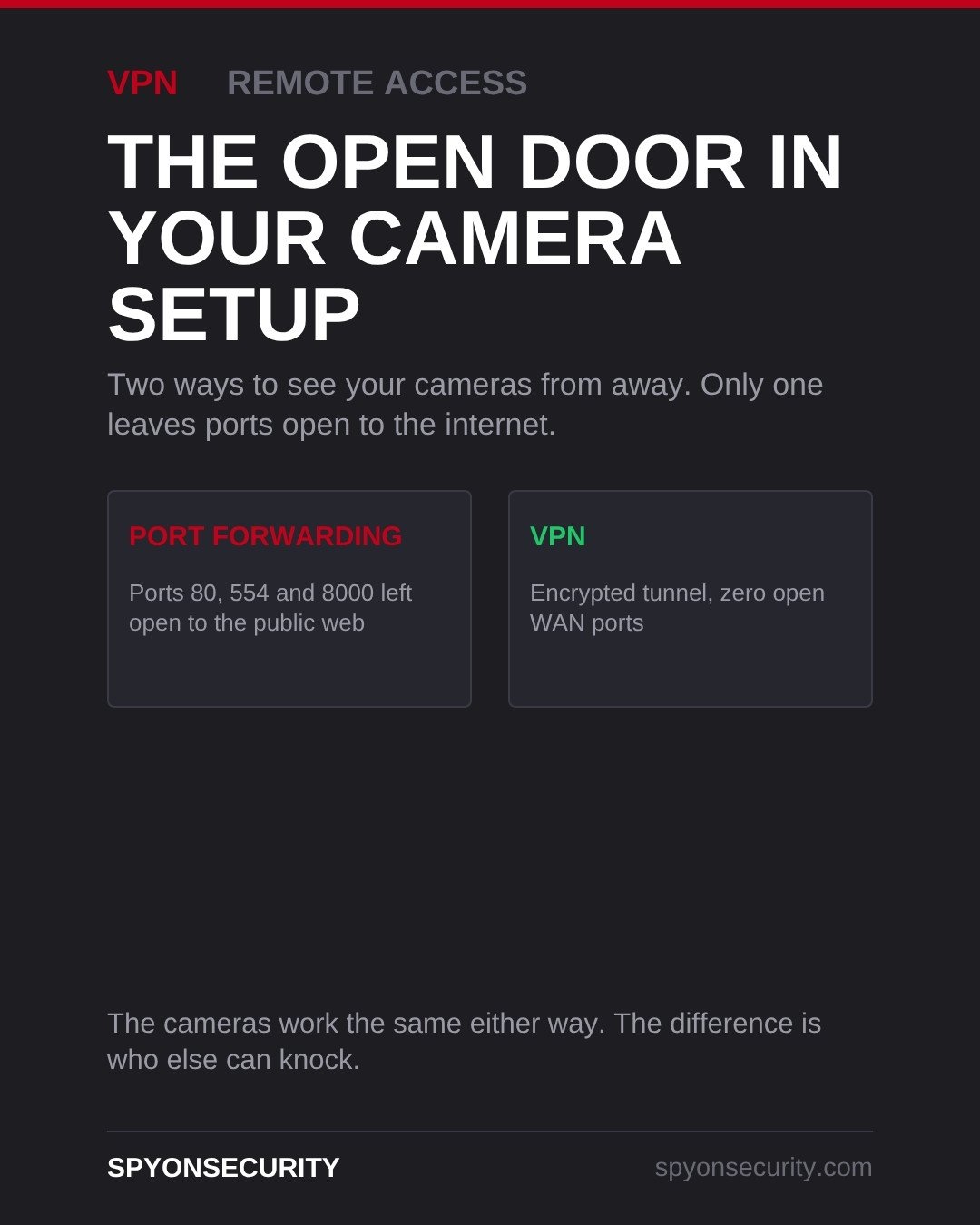
If you can pull up your security cameras on your phone from anywhere, your system is doing it one of two ways: port forwarding, or a VPN. Port forwarding is the older method, and it works by opening a door from the public internet straight to your recorder. A VPN does the same job through an encrypted tunnel with no open ports at all, which is why it is the method professional installers now use.
What port forwarding actually does
Your router normally blocks unsolicited traffic from the internet. Port forwarding tells it to stop doing that on specific ports and pass anything arriving there straight through to your NVR or DVR.
Three ports usually get opened for a camera system:
- Port 80 — the recorder’s web interface, the login page you would normally only see from inside the building.
- Port 554 — the RTSP video stream itself, the live feed from the cameras.
- Port 8000 — the device port most manufacturer mobile apps connect through.
Once those are forwarded, the recorder is reachable from anywhere in the world. That is the point — and also the problem.
Why an open port is a real risk, not a theoretical one
The usual objection is fair — who would target a small shop in Cambridge or a house in Waterloo? Nobody, specifically. That is not how it works.
Automated botnets scan the entire public IP range continuously, looking for exactly these ports and fingerprinting whatever answers. A recorder on port 8000 with a weak password is found within hours of going online, not months. From there the risk runs from someone watching your live footage, to the recorder becoming a foothold on the rest of your network — which, in a business, is the same network your point-of-sale and office computers sit on.
Older recorders make it worse. Many ship with default credentials, firmware that stopped being updated years ago, and publicly documented vulnerabilities. Port forwarding puts all of that directly in front of the internet.
How a VPN solves it
A VPN inverts the arrangement. Instead of opening a door into your network, your phone or laptop builds an encrypted tunnel to the network’s firewall, authenticates, and then behaves as though it is sitting inside the building. The NVR and cameras stay exactly where they were, behind the firewall, with zero WAN ports open.
In practice that means:
- 256-bit encrypted traffic between your device and your site.
- Nothing for a port scanner to find — the recorder does not answer the public internet at all.
- The same app, the same cameras, the same remote viewing experience.
The VPN runs on a business-class router or firewall rather than the recorder itself. A TP-Link ER605 handles a small site comfortably; MikroTik and FortiGate cover larger ones. If you have more than one location, a site-to-site VPN links the buildings together so every camera appears in one system without any of them being exposed.
What we recommend for Kitchener-Waterloo homes and businesses
For most homes in Kitchener and Waterloo, remote viewing through a VPN on the main router is the right setup, and it costs nothing beyond the hardware being configured properly at install. On a rural property outside Cambridge or Guelph with a long driveway and gate cameras, the same applies — and because those sites often run cellular or fixed-wireless internet with a changing public IP, port forwarding tends to break on its own anyway.
For businesses, warehouses and farm operations, we treat the VPN as standard. Winter is worth planning around too: when a January storm takes power down and the system comes back up, a VPN setup reconnects cleanly, whereas forwarded ports plus a recorder on DHCP frequently come back pointing at nothing. Multi-site operators — a contractor with a yard and a shop, say — get the most out of a site-to-site tunnel, with every camera in one view.
If your system was installed more than a few years ago, there is a good chance it is port forwarded and nobody mentioned it.
FAQ
How do I know if my cameras are port forwarded?
Log into your router and look for a section called Port Forwarding, Virtual Servers or NAT. If you see rules pointing ports 80, 554 or 8000 at your recorder’s internal address, your system is exposed. If you connect through a manufacturer app using a QR code or serial number, you are most likely on that manufacturer’s cloud service instead.
Will switching to a VPN slow down my camera feed?
Barely. Encryption adds a little overhead, and on any normal connection in the region you will not notice it in a live feed. The bigger factor in remote viewing quality is your upload speed, which is unchanged either way.
Can I add a VPN to a camera system I already own?
Usually, yes. The VPN runs on the router or firewall, not the cameras, so in most cases the existing NVR and cameras stay as they are and only the network side changes. The exception is a very old recorder that is already compromised or unsupported, where replacing it is the safer call.
Not sure which method your system uses? We offer a free site survey across Kitchener, Waterloo, Cambridge and Guelph — we will check what is exposed, explain it in plain terms, and tell you whether anything needs to change. Call 226-227-7966 or get in touch here.